^

OTD144 OTD144 OTD144 OTD144 What's in the box OTD144 OTD144 OTD144 Router holder (mounting bracket) OTD144 OTD144 OTD144 OTD144

v


<<

>>

Click the image to enlarge

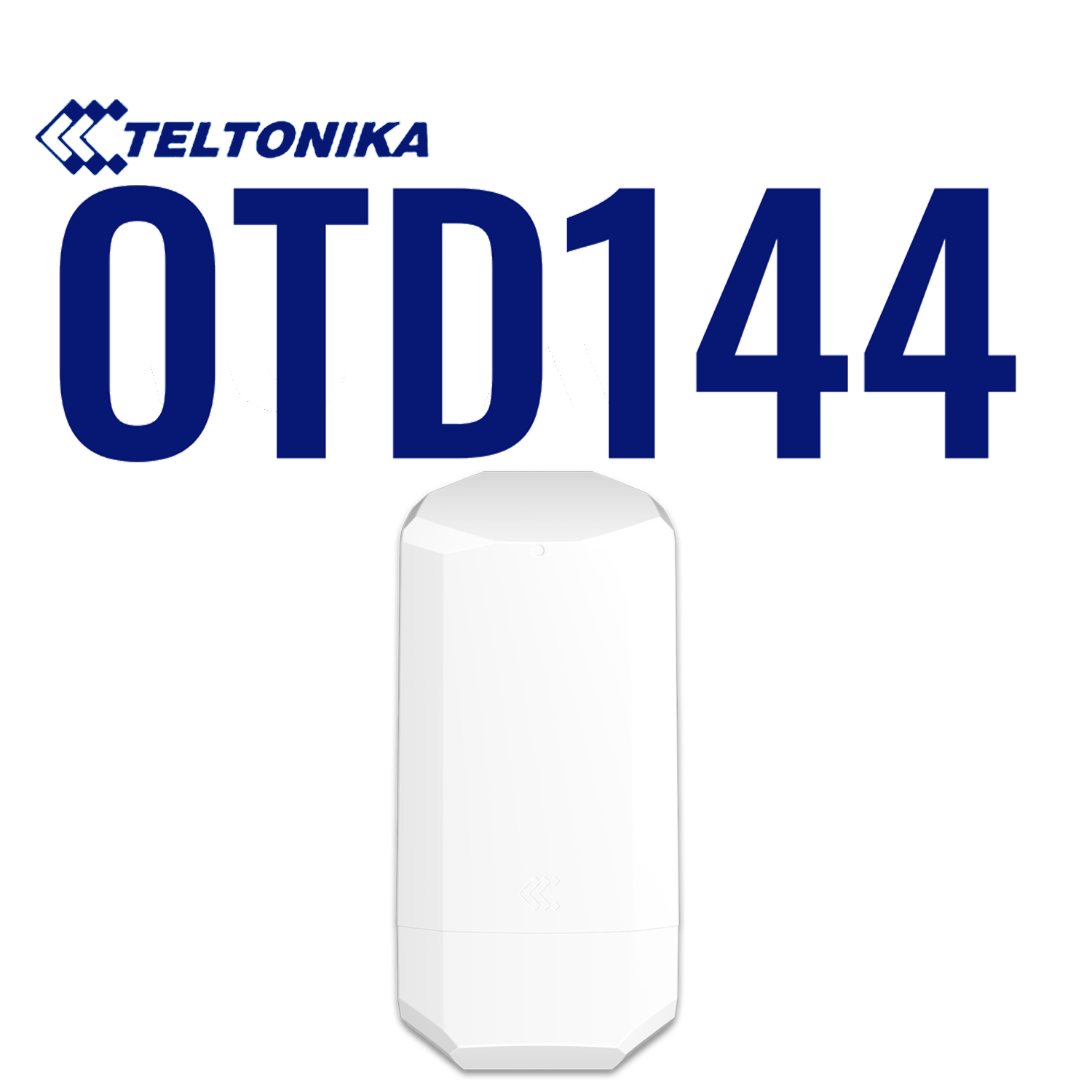
OTD144 Teltonika 4G/LTE & WiFi4 Outdoor Router

  • 4G/LTE CAT4 with speeds up to 150Mbps, & backwards compatible with 3G & 2G
  • WiFi4 (802.11b/g/n) 2.4GHz
  • x4 Internal omni-directional antennas (x2 WiFi, & x2 Mobile)
  • x2 10/100 Ethernet Ports (x1 PoE Out, x1 PoE In)
  • Active PoE: Can supply power to compatible devices, & can be powered itself via PoE using an Ethernet cable
  • PoE Powered - Power Supply Not Included (If needed recommended PoE injector:PR325EUB)
  • x2 SIM card slots (Mini - 2FF), with auto switching scenarios
  • Ingress protection rating of IP55 for outdoor use
  • Integrated mounting bracket for vertical flat surface or pole mounting (pole not included)
  • Configure & monitor remotely via Teltonika's Remote Management System (RMS)
  • Manufactured in Europe

Authorised Distributor

»

Buy Now

TL-OTD144

TL-OTD144 Teltonika Router.

Overview

The OTD144 is designed to bring reliable WiFi to outdoor environments where robust networking is essential. Built for challenging conditions, it combines LTE CAT4 connectivity with dual-SIM auto failover, built-in WiFi, and x2 Ethernet ports – one supporting PoE-in (to power the OTD144) and the other PoE-out.
Powered by RutOS and fully compatible with RMS, the OTD144 also provides secure VPN, firewall, hotspot, and remote management features for complete control anywhere, with its rugged IP55 housing and integrated mounting bracket ensuring simple, secure installation.

Specification
Specification Datasheet
Mobile Module 4G/LTE: CAT4 150 Mbps Download, & 50 Mbps Upload.
3G: 21 Mbps Download, & 5.76 Mbps Upload.
2G: 236.8 Kbps Download, & 236.8 Kbps Upload.
Ethernet • x2 Ethernet ports (can be configured as WAN), 10/100 Mbps, compliance with IEEE 802.3, IEEE 802.3u, 802.3az standards, supports auto MDI/MDIX crossover.
PoE

PoE IN:

• PoE Ports: Port 1 (power input to power router).

• PoE Standards: 802.3af and 802.3at.


PoE OUT:

• PoE Ports: Port 2 (power output to power other devices).

• PoE Standards: 802.3af Alternative B.

• PoE Max Power per Port (at PSE): 15W MAX (PSU dependent).

Power

• Power Supply Not included.
This router can be powered via Power over Ethernet (PoE).
(View more information on the OTD144 powering options here). 

• Connector: RJ45 socket.

• Input voltage range: 42.5-57.0 VDC, reverse polarity protection, voltage surge/transient protection.

• Input voltage range for PoE: 42.5-57.0 VDC, reverse polarity protection, voltage surge/transient protection.

• Power consumption:
Idle: < 2.5 W.
Max: < 6 W. 
PoE Max: 21 W.

Wireless mode • WiFi 4 (802.11b/g/n).
• Access Point (AP).
• Station (STA).
WiFi users Up to 100 simultaneous connections.
Antennas & Connectors x4 Internal Omni-directional Antennas (x2 WiFi, & x2 Mobile).
698~960 / 1710~2690 MHz, 50 Ω, VSWR <3, gain <4.5 dBi, omni-directional.
SIM x2 SIM card slots (Mini SIM – 2FF), 1.8 V/3 V.

Auto-switch cases: weak signal, data limit, SMS limit, roaming, no network, network denied, data connection fail, SIM idle protection.

CPU Mediatek, 580 MHz, MIPS 24KEc.
RAM 128 MB, DDR2.
Flash Storage 32 MB serial NOR flash.
Ingress Protection Rating IP55
IP Ratings Explained
Dimensions 110 x 49.30 x 235 mm
Weight 315 g
Mounting Mounting Bracket for Vertical flat surface or Pole mounting.
(Pole not included)
What's in the Box • OTD144 Outdoor Router.
• Router Holder (mounting bracket).
• Quick Start Guide.
 
Specifications on this product page are correct as of: 06/10/2026.
For more information about this product, please visit the manufacturer's website: OTD144
Downloads
Quick Start Guide Click here 06.10.2026
User Manual Click here 06.10.2026
How To Guide: Activate second SIM slot on Teltonika Router Download here 06.10.2026
How To Guide: Change APN settings in Teltonika Routers Click here 06.10.2026
How To Guide: Using your Teltonika Router with Starlink Download here 06.10.2026
How To Guide: Set-up Multiple WANs in Teltonika Routers Download here 06.10.2026
How to Guide: Configuring event reporting emails to work with Gmail Download here 06.10.2026
OTD144 Teltonika Wiki Click here 06.10.2026
Latest firmware can be found on the Teltonika website Click here 06.10.2026
UK Declaration of Conformity Download here 06.10.2026
EU Declaration of Conformity Download here 06.10.2026
OTD144 Teltonika Certification & Approvals Click here 06.10.2026
Reviews
Brochures
Teltonika Product Comparison Table Click here
OTD144 Sales Flyer Download here
Videos
Article - IP Ratings Explained, by  Daniel Coombs

Article: IP Ratings Explained

IP ratings, or Ingress Protection ratings, are a standardised benchmark of how capable a product is of withstanding ingress from foreign entities that could negatively impact its functionality. They’re helpful because terms like ‘weatherproof’ and ‘waterproof’ are unspecific terms and don’t always convey the necessary level of detail.

LTE Router Classifications

Article: Mobile Router Classifications Chart & Speeds

LTE, or Long Term Evolution, is the predominant form of mobile technology available in the UK; the types of equipment that utilise this technology are divided into different classifications...

4G & 5G Podcast

Video - Podcast: Acronyms & Letters surrounding 4G & 5G and what their meanings are

What are category classifications and their download speeds? How many antennas on a mobile router? Would you be better off with a higher category 4G router than investing in a 5G router? Find out in this episode of the Solwise podcast.

Remote Management System Explained

Article: Teltonika Remote Management System Explained

Teltonika’s Remote Management System (RMS) is a powerful online IoT platform, allowing users to remotely monitor and manage all their compatible Teltonika devices. From 4G/5G routers to IoT gateways to Access Points, RMS can be used to control a wide variety of Teltonika devices with great convenience.

How to configure APN settings for SIM cards on Teltonika Routers

Video: How to configure APN settings for SIM cards on Teltonika Routers

LTE mobile routers sometimes need APN settings inputted manually to work with SIM cards. This video goes over how to access the web UI of a Teltonika router and configure the correct APN settings accordingly.

Accessories

<

>

X